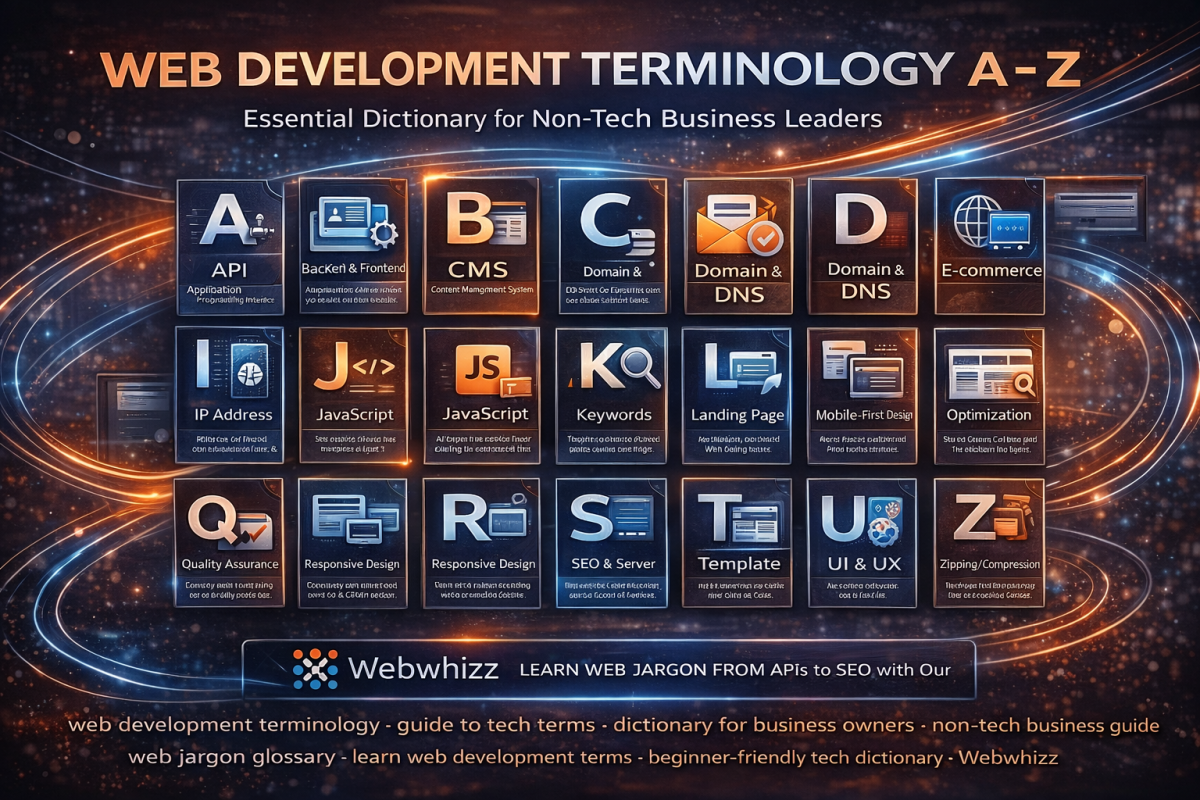
If you're a business owner navigating the waters of digital growth, you’ve probably sat through a meeting where developers sounded like they were speaking an entirely different language. Between APIs, CSS, and SSL, the tech jargon can feel overwhelming, making it difficult to understand exactly what you are paying for or what your website needs.
At Webwhizz, we believe that clarity is the foundation of successful partnership. We don't just build exceptional digital experiences; we make sure you understand the 'how' and 'why' behind them. Our goal is to empower you with the knowledge needed to make informed decisions about your online presence.
This comprehensive guide is designed specifically for you—the non-technical business leader—to demystify the essential web development terminology.
Getting Started: Understanding the Basics
We are committed to transparent communication. If you want to learn more about our philosophy and how we simplify the digital transformation process, please visit our About Us page.
A to H: The Foundation and Framework
A: API (Application Programming Interface)
- The Simple Definition: Think of an API as a digital waiter. It’s a set of rules that allows different applications to talk to each other securely and efficiently.
- Business Relevance: APIs allow your website to connect to external services, like payment processors (Stripe), email marketing tools (Mailchimp), or shipping calculators.
B: Backend & Frontend
- The Simple Definition: Websites are built in two parts:
- Frontend (Client-Side): Everything the user sees and interacts with (layout, images, text, buttons).
- Backend (Server-Side): The hidden engine room. This is where data is stored, security is handled, and complex logic runs.
C: CMS (Content Management System)
- The Simple Definition: A user-friendly application that allows you to manage, edit, and publish digital content on your website without writing code.
· Examples: WordPress (our specialty!), Shopify, and Joomla.
D: Domain Name & DNS
- Domain Name: Your website’s address on the internet (e.g., webwhizzservices.com)
- DNS (Domain Name System): The internet’s phonebook. When you type in a domain name, DNS translates that name into an IP address so your browser knows where to find the website files.
E: E-commerce
- The Simple Definition: The buying and selling of goods or services using the internet.
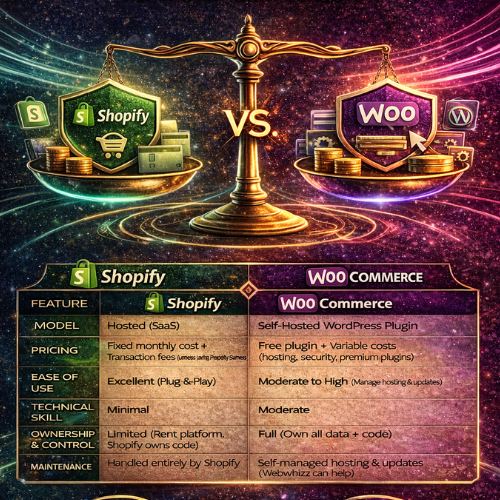
- Key Platforms: WooCommerce (for WordPress sites) and Shopify are common e-commerce solutions we implement for clients.
F: Framework
- The Simple Definition: A pre-built structure of standardized code and tools that developers use to build applications faster and more reliably. It provides the 'skeleton' so developers don't have to start from scratch every time.
G: GDPR & General Compliance
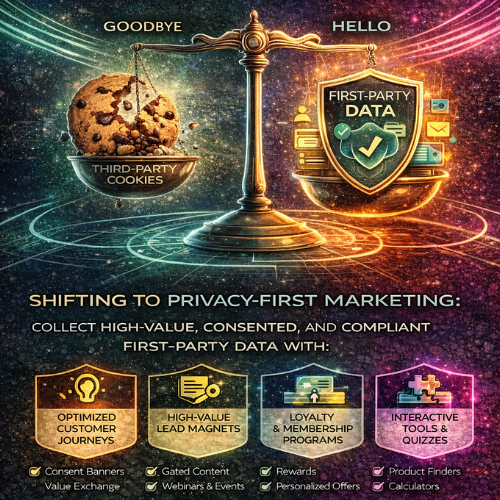
- The Simple Definition: While not strictly development terms, compliance terms are crucial for modern web projects. GDPR (General Data Protection Regulation) is a set of rules governing how businesses must protect the personal data of EU residents.
- Business Relevance: Failure to adhere to global data privacy laws can result in massive fines. Your web project must be built with compliance in mind.
H: Hosting & HTTPS
- Hosting: The service that provides the physical storage space on a server for all the files and data that make up your website. If the domain is the address, hosting is the land the house sits on.
- HTTPS (Hypertext Transfer Protocol Secure): The secure version of the standard communication protocol. The "S" means all data transferred between the browser and the server is encrypted. Look for the padlock icon in the browser bar—it signals trust and security.
I to P: Interactivity and Performance
I: IP Address (Internet Protocol Address)
- The Simple Definition: A unique numerical label assigned to every device connected to a computer network that uses the Internet Protocol for communication.
- Think of it as: The physical coordinates of a device on the internet. DNS translates human-readable domain names into these IP addresses.
J: JavaScript (JS)
- The Simple Definition: The primary programming language that makes web pages interactive.
- Function: JavaScript handles everything that moves or changes on a website after the page loads, such as animations, complex forms, and interactive maps.
K: Keywords
- The Simple Definition: The words and phrases that people type into search engines (like Google) to find information, products, or services.
- Business Relevance: Identifying relevant keywords is foundational to SEO (see S) and is crucial for attracting the right audience to your webwhizzservices.com site.
L: Landing Page
- The Simple Definition: A standalone web page, separate from the main website, created specifically for a marketing or advertising campaign.
- Goal: To convert visitors into leads or customers by prompting a single action (e.g., signing up for a newsletter or making a purchase).
M: Mobile-First Design
- The Simple Definition: The process of designing and building a website starting with the smallest screen (mobile phones) and then scaling up the design for tablets and desktop computers.
- Why it Matters: Google prioritizes mobile responsiveness. Since the majority of web traffic is now mobile, this approach ensures excellent user experience across all devices.
N: Navigation
- The Simple Definition: The system of links, menus, and buttons that allow users to move around and find information on your website.
- Key Consideration: Good navigation should be intuitive, clear, and consistent—a key element we focus on during our Webwhizz design process.
O: Optimization
- The Simple Definition: The process of improving the performance, speed, and efficiency of a website.
· Examples: Image compression, code cleanup, and caching strategies all fall under optimization. A faster site means happier users and better search rankings.
P: Plugin (or Extension)
- The Simple Definition: A piece of software containing a group of functions that can be added to a CMS (like WordPress) to enhance its functionality.
· Examples: Adding a contact form builder, security scanning, or advanced SEO tools via plugins.
Q to Z: Quality, Search, and User Experience
R: Responsive Design
- The Simple Definition: A design approach that makes websites render well on a variety of devices and screen sizes.
- Distinction: While Mobile-First is a strategy, Responsive Design is the technique used to achieve smooth viewing across all screen sizes.
S: SEO (Search Engine Optimization) & Server
- SEO: The practice of increasing the quantity and quality of traffic to your website through organic (non-paid) search engine results. This involves ensuring your content is structured and written in a way that Google can easily understand.
- Server: A powerful computer that stores your website files and delivers them to users when requested.
T: Template (or Theme)
- The Simple Definition: A pre-designed layout or structure for a website. Themes control the overall look and feel, colors, and typography.
- Usage: Templates speed up the initial design process, allowing Webwhizz developers to focus customization on unique functionality and branding.
U: UI & UX
- UI (User Interface): What the user sees. This includes the visual elements like colors, typography, buttons, and layouts.
- UX (User Experience): How the user feels when interacting with the site. Is it easy to navigate? Is the checkout process smooth? Good UX means a valuable, seamless experience.
V: Version Control
- The Simple Definition: A system that records changes to a file or set of files over time so that you can recall specific versions later.
- Why it Matters: This is crucial for development stability. It means we can track every code change and, if something breaks, instantly revert to a previous, working version.
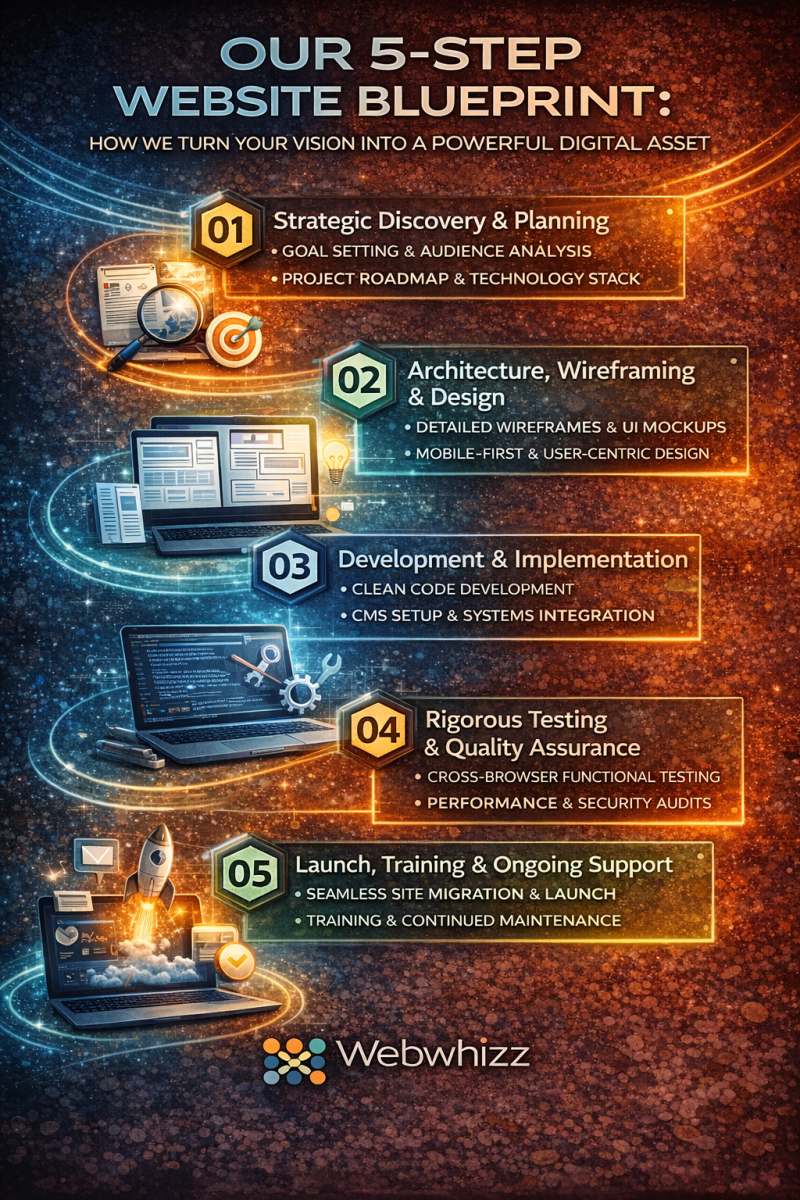
W: Wireframe
- The Simple Definition: A basic, schematic blueprint or skeleton of a website page. It focuses purely on layout, key elements, and content hierarchy, ignoring colors and graphics.
- Purpose: Wireframing ensures that the functionality and user flow are agreed upon before the expensive design phase begins.
X: XML (Extensible Markup Language)
- The Simple Definition: A markup language designed to store and transport data.
- Business Relevance: You often encounter XML when dealing with sitemaps (a file listing all the important pages on your site for search engines) or data feeds exchanged between systems.
Y: YAML (YAML Ain't Markup Language)
- The Simple Definition: A data serialization standard that is extremely human-readable.
- Development Context: While complex, YAML is often used in configuration files (telling the server how specific software should run) because of its simplicity and clarity compared to older formats.
Z: Zipping/Compression
- The Simple Definition: The process of reducing the size of files (like images, code files, or data backups) to save storage space and speed up transfer times.
- Performance Impact: Compressing website assets significantly reduces load times, improving overall site performance.
Conclusion: Let Webwhizz Translate for You
Navigating the technical landscape of web development shouldn't be a source of stress. Whether you need a lightning-fast e-commerce solution, a robust WordPress website, or a custom application, understanding the jargon is the first step toward effective collaboration.
At Webwhizz (webwhizzservices.com), we bridge the gap between complex code and successful business outcomes. We handle the APIs and the CSS so you can focus on your customers and your core business strategy.
Ready to build a website that speaks your business language? Contact Webwhizz today and let's turn your digital confusion into digital clarity.